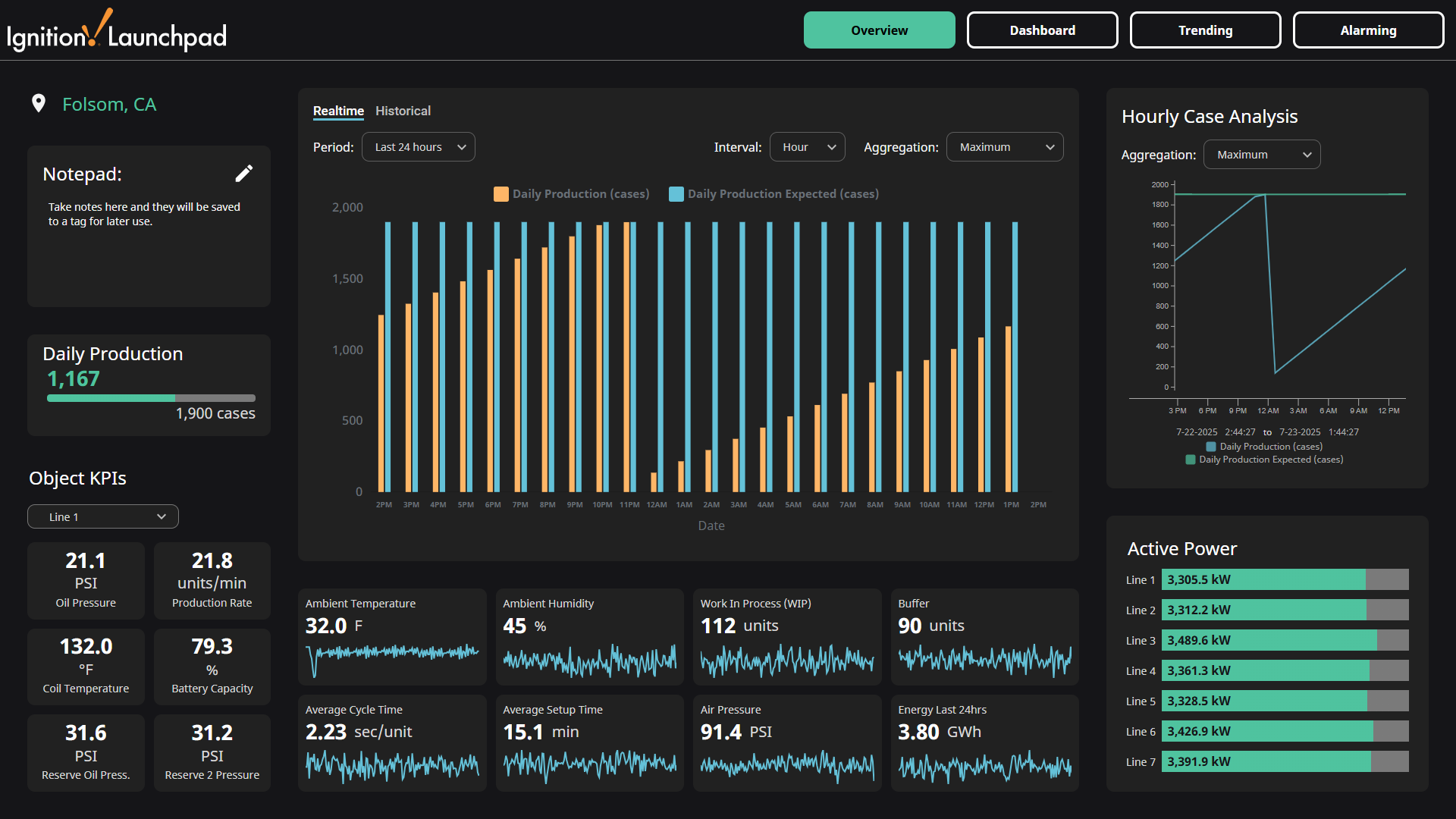
Installation
This resource is provided as a .zip file containing an Ignition Gateway backup .gwbk file, as well as individual project and tag files. Using the .gwbk file is the simplest way to install the KPI Resource, but it will overwrite your existing Gateway. If you do not want to overwrite your existing Gateway with this backup, refer to the Advanced Install Instructions.
-
Make sure Ignition is installed on your machine. If it needs to be installed, follow the Ignition installation instructions.
-
Download the
.zipfile from the Launchpad KPI Exchange page. Unzip the file to reveal the contents.launchpad_kpi.1.0.0.zip
├─ MANIFEST
├─ README.md
├─ Configuration
│ └─ launchpad-kpi-gateway.gwbk
├─ Projects
│ └─ launchpad-kpi.zip
└─ Tags
└─ launchpad-kpi-tags.json -
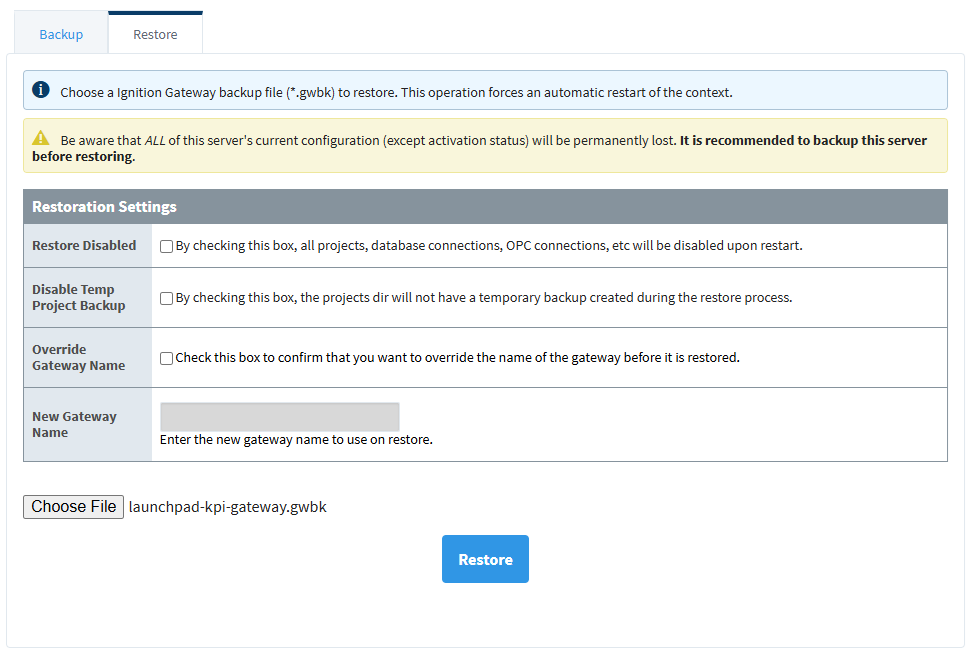
Restore the provided
launchpad-kpi-gateway.gwbkfile from the Configuration folder through the Gateway Webpage. Refer to the Ignition User Manual detailed restore instructions for more information.It is recommended to backup your server before restoring a Gateway backup as the process will replace your server's current configuration.
-
Once the restore completes, navigate to localhost:8088/data/perspective/client/launchpad-kpi. If your Gateway is not local to your machine, replace
localhostwith the IP address of your remote machine.