Database Setup
The OEE Resource requires a database for recording production history. By default this is configured as the launchpad_oee connection included in the Gateway backup.
Initializing Tables
On the Settings screen, the Create Tables button is available if tables do not exist in the database. Clicking Create Tables will run a one-time script to create and initialize the tables in order to have historical data for the demo lines.

Changing the Database Connection
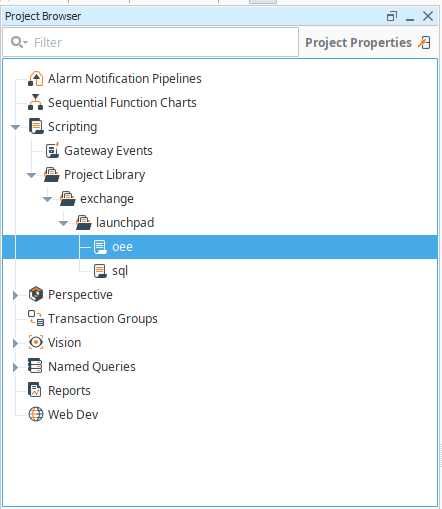
In the Ignition Designer, open the exchange/launchpad/oee script. Change the DATABASE_NAME constant to match your database connection name and click Save. Once this has been updated, the Create Tables button on the Settings screen will work with your database.

Database Platform and Schema
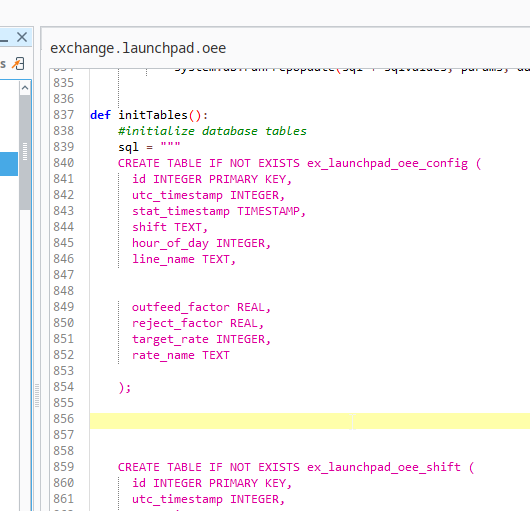
A SQLite database is provided with the Gateway backup. The table creation statements are in the initTables() function contained within the exchange/launchpad/oee script . These can be modified for use with alternative database platforms.
Data Retention
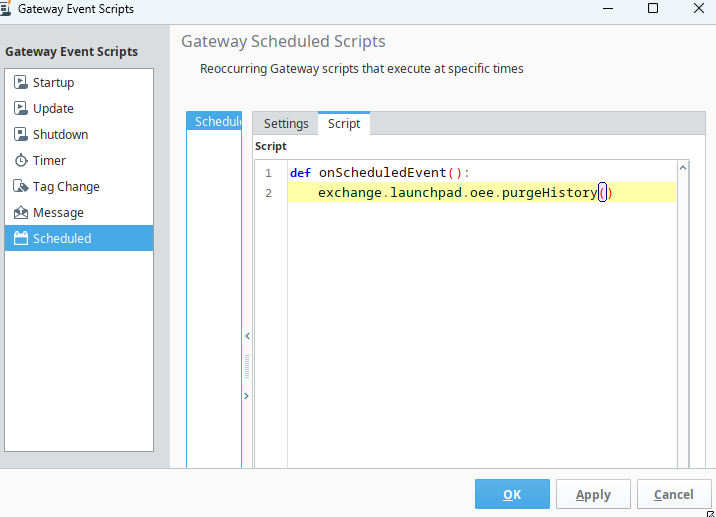
Production data is kept for 365 days. A purge script runs nightly to delete the oldest data. If you wish to change this setting, you can disable the scheduled Gateway Event Script in the Designer by opening the Project menu, clicking Gateway Events, and then Scheduled.