Settings
The Settings screen allows you to configure line schedule and target production rates. These settings take effect immediately so be careful if you are modifying details for a line that is currently running.
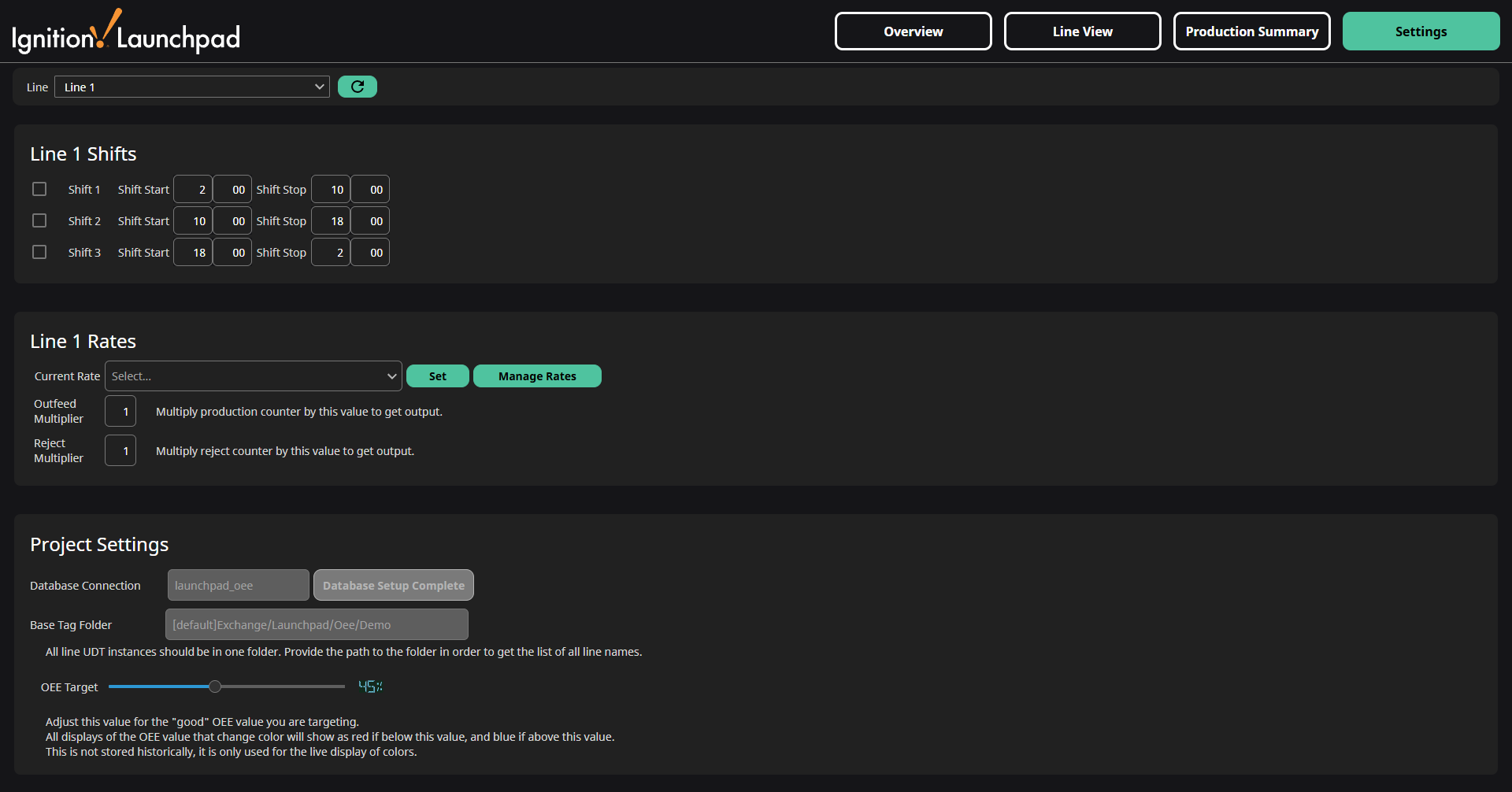
The Line Selection at the top of the screen lists all lines found in the Base Tag Folder. The path to the Base Tag Folder is shown in the Project Settings section at the bottom of the screen. If a line is not shown, but does exist as a UDT instance, click on the Refresh  icon to refresh the list.
Shifts
Up to three shifts can be configured for each line. You can enable or disable a shift by using the checkbox on the left, and adjust the start and end time on the right.
For complete instructions on shift setup, see the Shift Setup page.
Rates
A rate is used as a production target for the OEE calculations. By default this project has one rate (Default) at 15 units/minute. You can click the Manage Rates button to edit existing rates or create new ones.
The list of rates is shared by all lines. Take care not to overwrite rates that you don't mean to, as there is no undo button.
For complete instructions on managing rates, see the Target Rate page.
Project Settings
The Project Settings apply to all lines. Here you can view the current database connection and create the database tables if they have not already been created. The Base Tag Folder is where all the line tags should be created, and is not modifiable from this page, only from the Designer. Lastly, the OEE target value adjusts the setpoint for color coding on all views.